Ikago Smart Mug and Heat Coaster Pro

Disclaimer – We received this item free for the purpose of this review/feature but all words and opinions are our own.

I had seen heated mug warmers on Instagram and wondered how good they were and whether the price (much more than a coffee mug!) was worth it so I was intrigued to find out when we were sent the Ikago Heat Coaster Pro.  Perfect as a gift that you didn’t know you needed, this is brilliant for parents whose coffee always goes cold when there are small children around, or if you’re in a long meeting and want hot coffee throughout!

What is it? The Ikago Heat Coaster Pro is an electric heating pad which plugs into a normal electrical socket.  The ceramic mug which is part of the set is placed on top of the coaster and is kept at a constant temperature using the infrared emitter.  This means that as long as the coaster is plugged in and your mug is sitting on it, the temperature of your coffee (or other beverage!) is kept constant until you either drink it… or top it up!
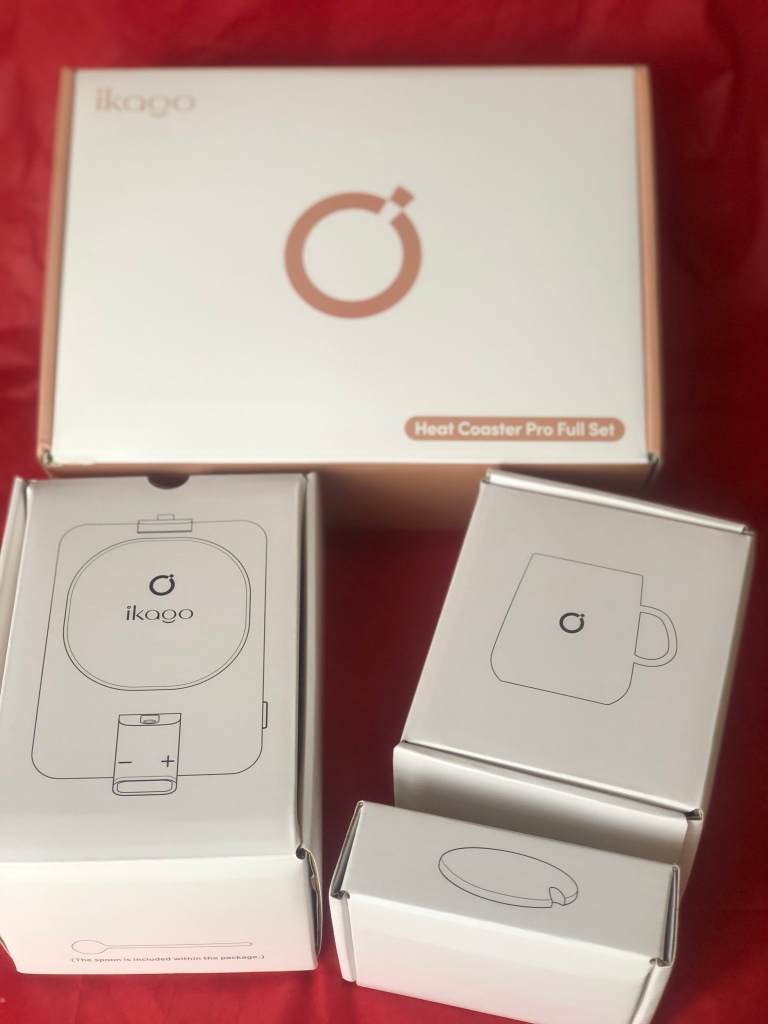
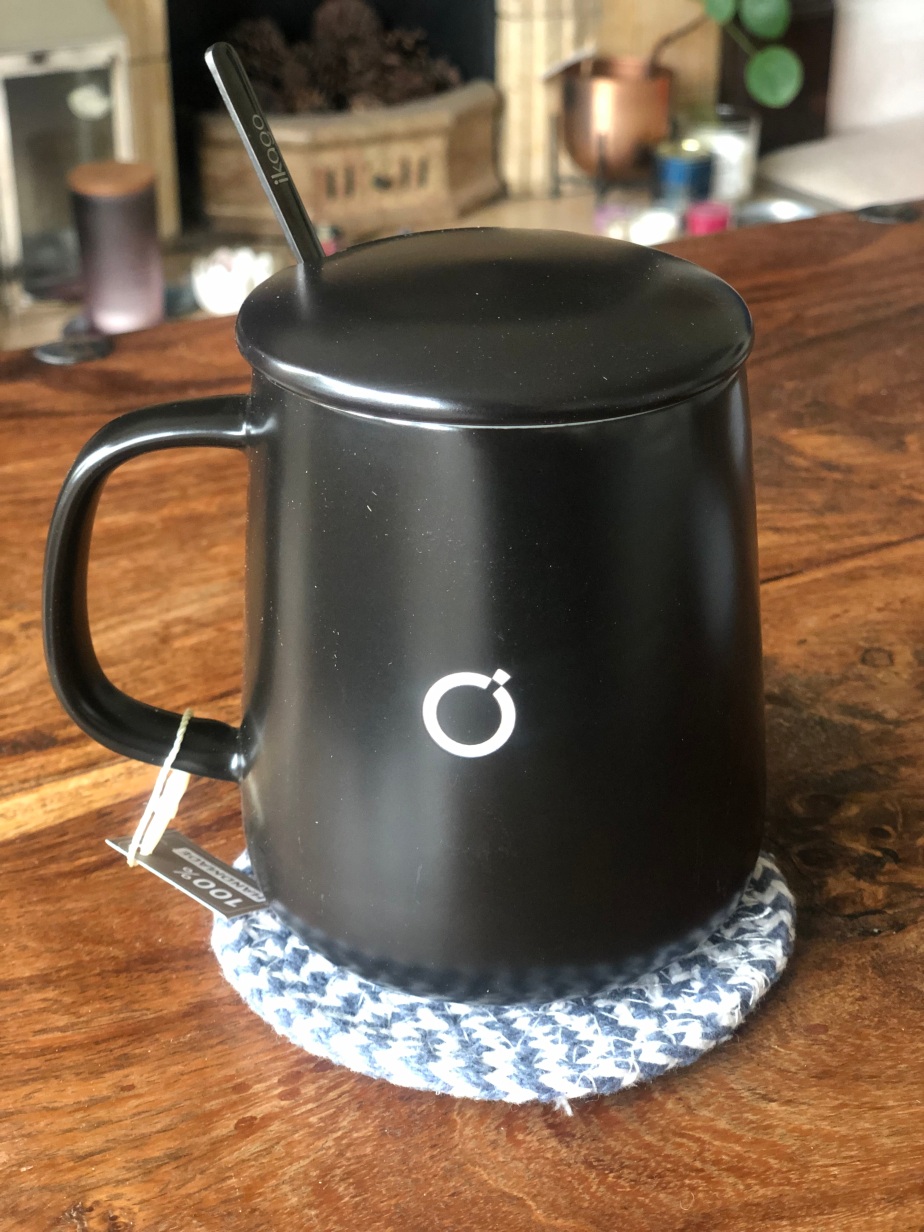
To use, unpack all the equipment. As well as the heated coaster the ceramic mug is included, along with a lid and a spoon. The mug is actually quite attractive and 100% handmade and I was surprised it was a slightly bigger size than I expected.  The lid is needed to keep the heat in so that the temperature can be kept constant and the spoon works with the infrared emitter.

Plug the coaster into the wall and the lights come on, but you need to press the power button at the side. The coaster will only heat up with the mug on the plate so make sure you have your coffee made and in the mug before you put it on. To change the temperature, use the display – and + signs to reach temperature sup to 65 Centigrade (150 Fahrenheit). You probably don’t know the exact temperature you like your coffee to be at, so this may take some trial and error before you get the right temperature!  Don’t worry about remembering the exact number though, the Ikago Heat Coaster Pro will remember the last temperature and make sure your coffee is heated to that.

This is actually a really fun gift to receive because it’s not just a novelty item, it’s really useful and has longevity, it’s easy to use and the fun of getting it set up and discovering ‘your temperature’ and getting it right is all part of the process. It took me just 2 attempts to get the temperature right and actually allowed me to have a hot drink and not be distracted by filling up the mug when it got cold. I think it’s a brilliant idea for anyone working from home or who needs to concentrate as in time, I will get used to having the Ikago Smart Mug Warmer by my side and can rely on it.

It’s not ideal for warming a cup from cold, so it’s always best to have the drink hot first and either warm it slightly or keep it at the same temperature.  NEVER use anything other than the ceramic mug as infrared and the radio waves can affect plastic, glass and quartz so best to stay away for safety reasons.

I think I’ll be using the Ikago Smart Mug and Heat Coaster Pro for a long time to come, and you can expect this gift from me in the future!

Available from £54 at: https://www.amazon.co.uk/ikago-Smart-Mug-Warmer-Thermometry/dp/B0BML12VKN?th=1
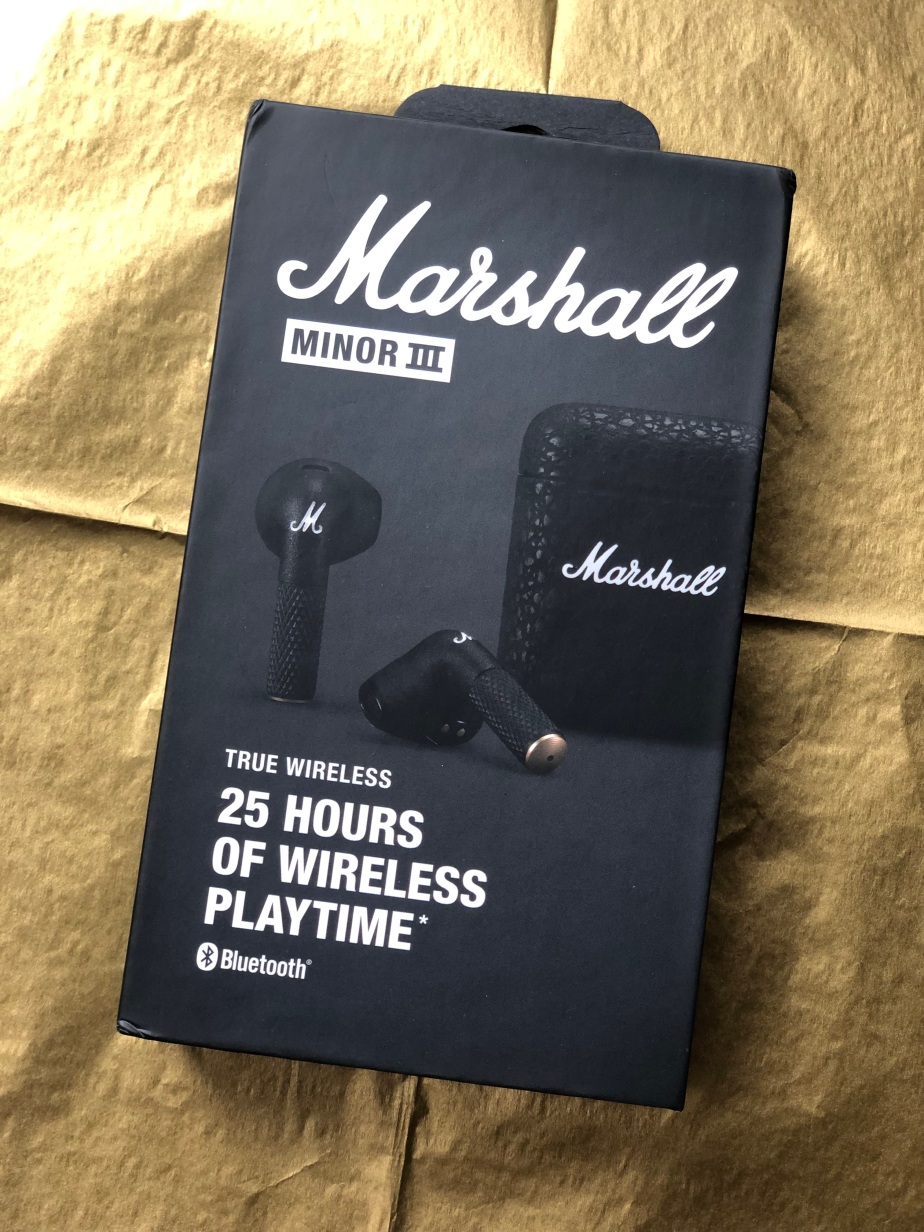
Marshall Minor iii Wireless Headphones

Disclaimer – We received this item free for the purpose of this review/feature but all words and opinions are our own.

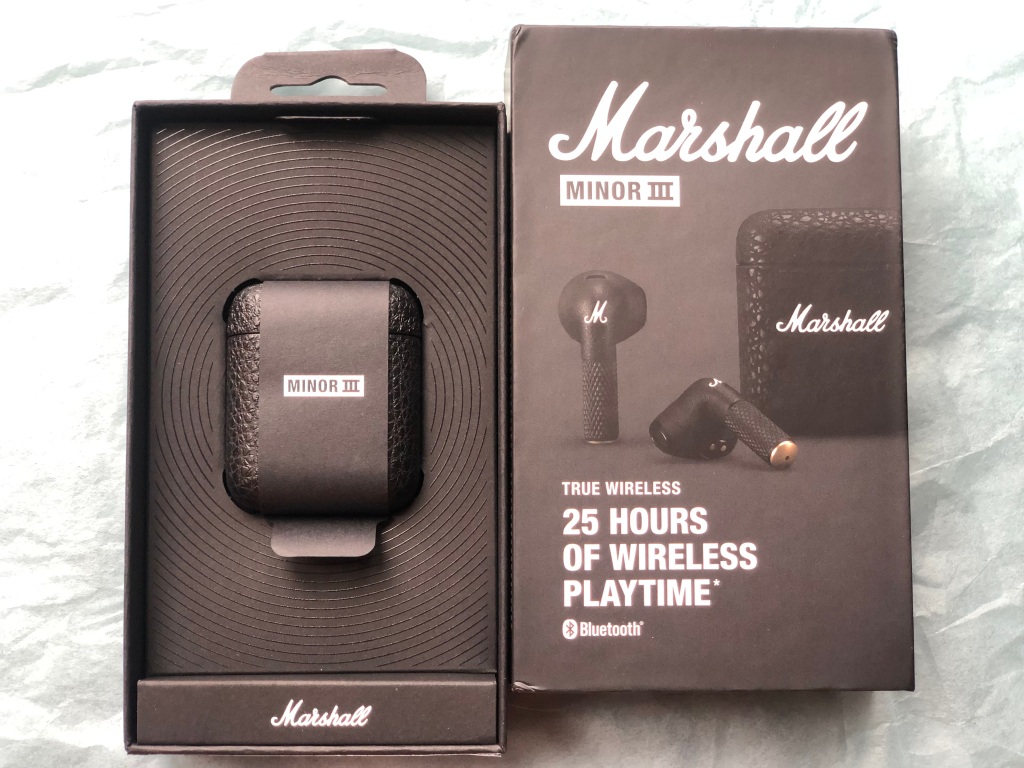
Marshall are at it again with their state-of-the art, high end speakers and headphones, this time with the Minor iii wireless, Bluetooth earbuds.

With 25 hours of wireless playtime, these are the classy headphones you would expect from Marshall and I was VERY excited to be testing them. I don’t usually use wireless earbuds but having tested the Marshall speaker a few months ago, I knew what the quality would be like for these headphones and how I would likely learn to use them. 

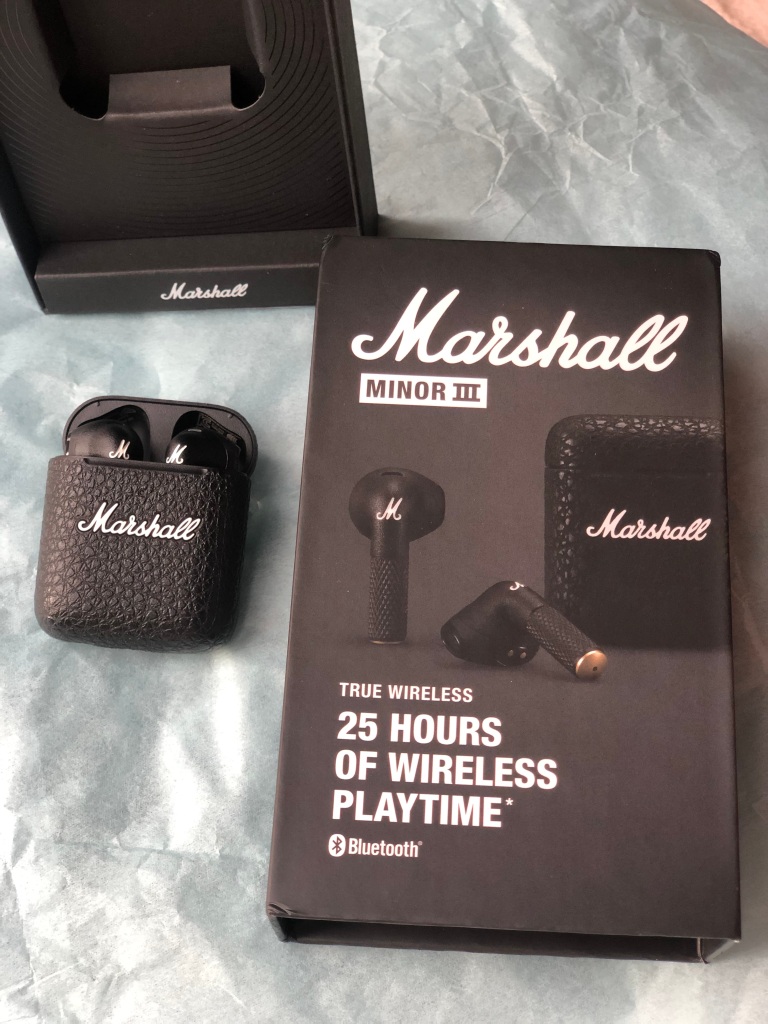
The first aspect you notice for the headphones are how sturdy they are and how famously Marshall they look. With the snakeskin-esque charging case and raised ‘Marshall’ white lettering, it’s instantly recognisable as the iconic brand.  The case opens and closes with robustness, revealing the headphones inside. The charging case is powered with a USB C charging lead which comes with the set. You don’t need anything else to begin using them and thankfully, there was a little bit of charge in the headphones when I took them out the box to set them up!

Inside the box packaging there is a Quick Start Guide which gives you an easy reference of how to set them up. There’s no downloading of any apps or software and no need to use any website. Instead, connect them to your device (in this case it was my Apple MacBook Pro) by turning on the Bluetooth and opening the Apple Settings. To make the headphones discoverable, you just press and hold the button underneath the case, with the headphones still in it.  There’s a tiny LED light on the front of the case just above the Marshall logo. When it flashes blue, you know that the headphones are pairing with your device.  That’s all you need to do for them to work and link to your device!

The headphones snap into the charging case magnetically so you don’t have to make sure the connections are in the right place for charging.  Lifting them out, there’s R/L on them and that’s pretty much all you need. As soon as I take them out of the casing, Music (the jukebox app on my Apple laptop) opens and recognised that I have switched on the headphones. It’s only when I put the second headphone in my ear that I can use the touch controls to start playing music directly from the laptop. One tap to play or pause, or receive or end a call… two taps to skip forward or reject a call… three taps to skip backwards. Now, I found this quite difficult to master for several reasons. When you tap, you are assuming where the stem of the earbud is (and the same tapping applies on both earbuds so you can use either hand) and therefore miss quite often. So when I wanted to tap twice, I would often miss and therefore only hit the stem once, thereby only pausing the music and not skip forward.  I would suggest practicing with music before you use the Minor iiis for calls – otherwise you run the risk of accepting a call with just one tap rather than rejecting with two taps!

The quality of the Marshall Minor iii headphones is excellent, as you would expect. I was able to pick up the background static on older songs originally recorded onto LPs. The balance between both headphones is also true to the original recordings and there’s a formidable bass there too. From another person’s perspective, when you have the headphones in you can hardly hear the sound. These headphones are great for commuting or for when you don’t want someone else to know what you’re listening to!  I also liked that they don’t vibrate when they’re in your ears. That’s important to protect your ears, and your balance and shows a high quality of workmanship on headphones that don’t have loose working parts. Rattling will get annoying very quickly, and end up damaging the structure of your ears.

The only gripe I have with them is that you can’t change the volume through just the headphones. You have to go back to the device to change how loud they are which makes it slightly annoying when you are either out and about and have to fix your phone, or when you need to keep going back to a laptop and changing the volume. It’s the same with other settings like the balance of sound, bass or treble. There is no control for them either on the headphones or on a device so you take these headphones as they come.

The price of £119.99 is very reasonable for the quality of these headphones. They’re not extortionately expensive and can be used for either music or phone calls so they’re versatile, and both for work and home.  The ease of setting them up makes them all the more appealing compared to cheaper brands, and I love that they’re so sturdy and in the charging case they can be put in any pocket, handbag or hand luggage. Strong enough casing and manufacturing that they won’t get squashed easily, although I wouldn’t try it, they are probably stamp proof too!

The Marshall Minor iii is the next generation of high quality headphones, with superb sound, easy usability and flexibility for a long time to come. 

Available from £119.99 at: https://www.marshallheadphones.com/gb/en/minor-iii.html